



Nov 24th, 2026
Keep Your Rent Assistance
Share this story


Complete Your Annual Review
Do you receive rent-geared-to-income (RGI) assistance?
You must complete an Annual Review every year to keep your rent assistance. This lets OCH confirm your household information and make sure your rent is calculated correctly.
You will get a letter in the mail 90 days before your deadline. It will tell you what information you need to provide.
Why do I need to complete an annual review?
Each year, OCH checks your household information, including who lives in your home.
- How much income does your household receive?
- If anyone in your household is a full-time student.
Important: If you do not complete your Annual Review, you could lose your rent assistance and must pay a much higher rent.
What do I need to send?
OCH needs information about:
Household members aged 16 or older must provide a Notice of Assessment for the tax year requested. Some exemptions apply, such as eligible full-time students.
If someone in your household is a full-time student and is exempt from providing an NOA, provide proof of their studies.
Complete the form. Everyone in your household aged 16 or older must sign it.
If you receive Ontario Works or ODSP benefits, provide your most recent proof of assistance and payment details. These must show who receives benefits and how much assistance your household receives.
OCH may ask for more information to confirm your household income.
What is a Notice of Assessment?
A Notice of Assessment (NOA) is a document you get from the Canada Revenue Agency (CRA) after you file your income taxes.
It shows your yearly income and other tax information.
Can’t find your Notice of Assessment?
You can get another copy in two ways:
Call 1-800-959-8281, option 4, then option 5 and ask for a copy of your Notice of Assessment.
Option 2: Get it online
- Visit CRA My Account.
- Sign in to your account.
- Find your Notice of Assessment.
- Choose the tax year you need.
- Download or print a copy.
You must provide documents that show:
- The names of the people receiving benefits.
- Your most recent payment amount.
- Your payment details, including any deductions.
You can get these documents through MyBenefits.
- Sign in to MyBenefits.
- Find Proof of Assistance and save a copy.
- Find Payment Details.
- Open your most recent payment.
- Save or print the full payment details.
Make sure your name, payment amounts, and deductions are visible.
You can also provide an accepted paper statement showing this information.
What happens if I miss the deadline?
You could lose your rent assistance.
This means you could have to pay the full market rent for your home.
Missing a document or worried about the deadline?
Contact OCH as soon as possible. Don’t wait until the deadline to ask for help.
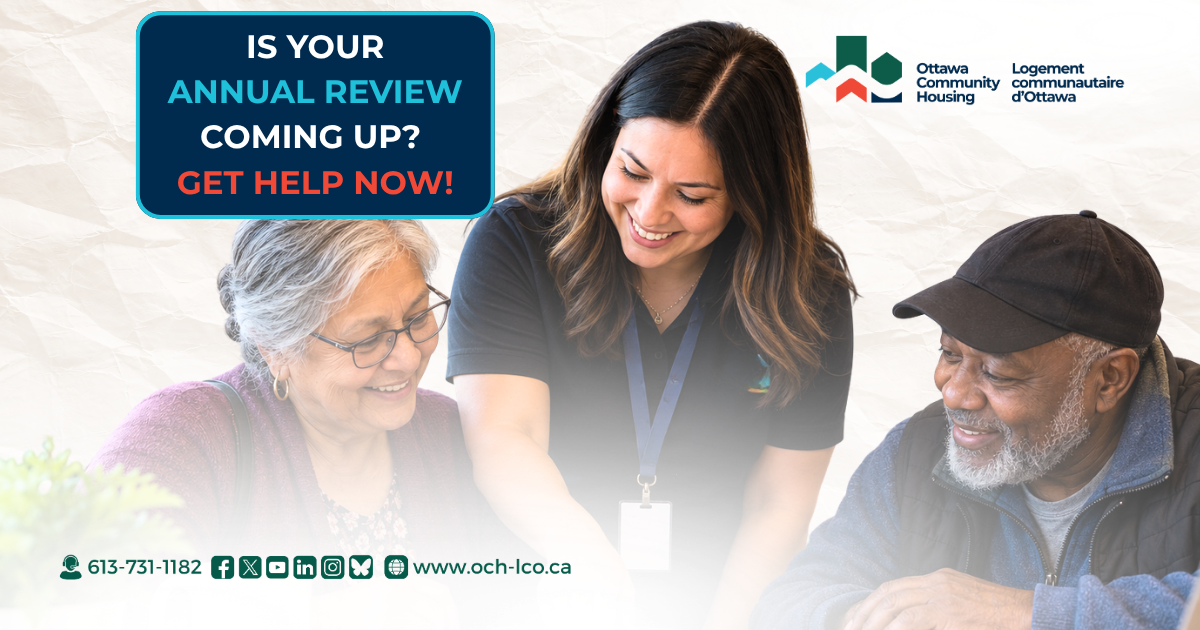
Need help? We’re here for you.
If you have questions or need help completing your Annual Review, call:
OCH Tenant Experience Representative
613-731-1182, option 4, then option 1
Support may also be available in some OCH communities. Ask your Community Developer about support available in your community, or learn more about:
Before the deadline:
- Complete your form.
- Gather your documents.
- Send everything by the deadline in your letter. Documents can be dropped off at Tenant Service Centers at 1065 Ramsey Crescent or 731 Chapel Crescent or emailed to documents@och.ca
If you’re missing a document or need help, contact OCH as soon as possible. Don’t wait until the deadline.
Taking these steps helps you keep your rent assistance.